01
The location walkthrough
Viewer question
How does a visit move between spaces?
Opening idea
"Here is the route from the entrance to the main room."
CREATOR GUIDE / LOCATION-BASED CONTENT / OCTOBER 2026
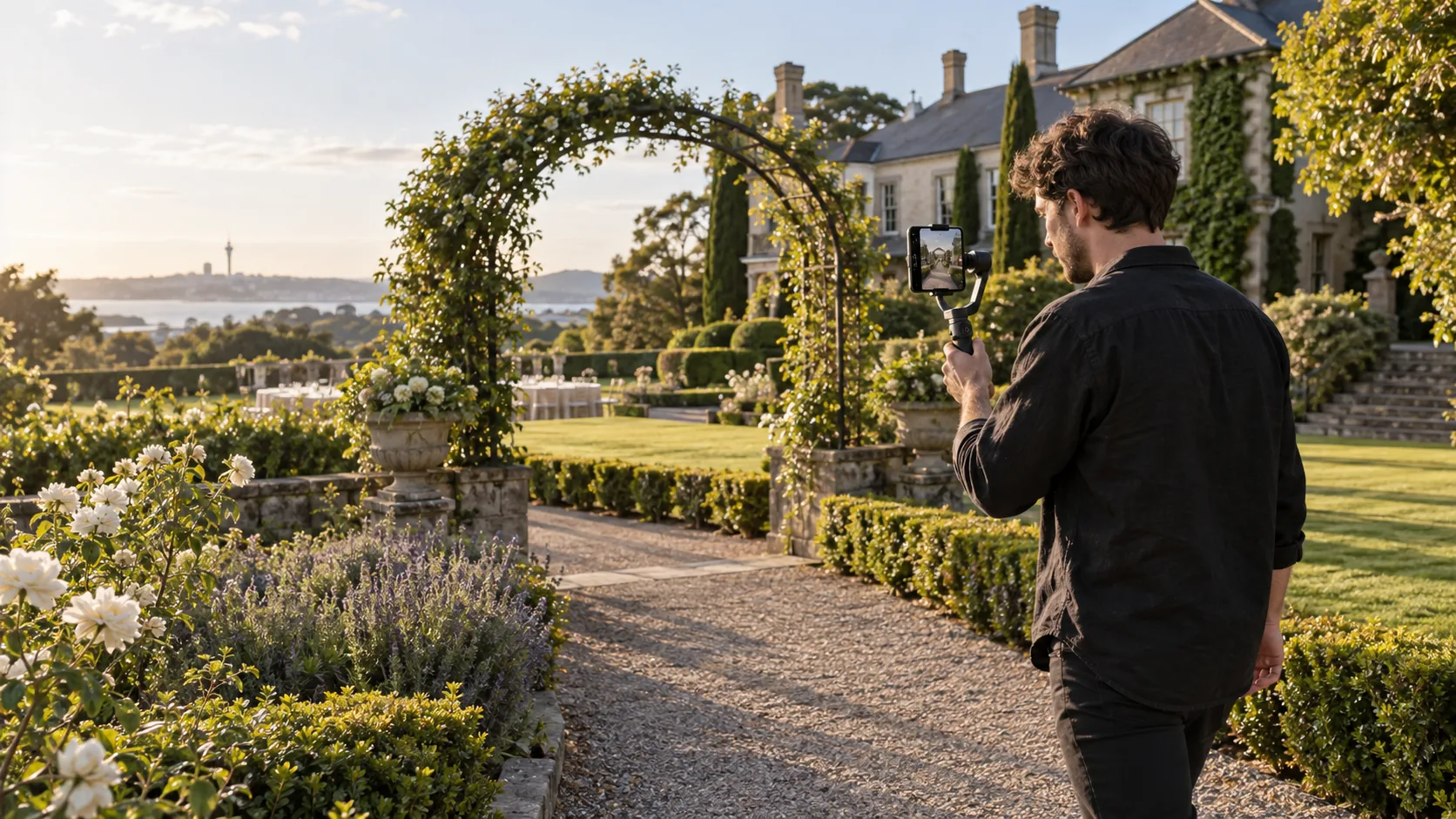
A useful location video does more than collect attractive shots. It helps someone picture what it feels like to visit, understand how the place works and decide what they still need to know.
Location-based UGC can cover a hotel, restaurant, event space, attraction or local experience. The format changes with the place, but the planning question is the same: what would a first-time visitor want to understand before deciding to go?
START WITH ONE QUESTION
A place may have dozens of details worth showing, but one short video cannot explain them all. Pick one viewer question first. How does a hotel guest move from arrival to check-in? What does a menu item look like when served? Where does an event begin, and what happens next?
That is what separates useful location-based UGC from a fast montage. Attractive footage matters, but it should help someone picture a real visit: the walk between areas, the scale of a room, how a dish is served or what a check-in involves. The business supplies accurate facts; the creator makes the experience easy to imagine.
In a production-only UGC project, the creator makes assets for a business to publish on its own channels. The creator does not automatically post to a personal audience. If the business wants both the video and a creator post, those are separate deliverables with separate terms. Our guide to UGC creators and influencers explains the difference.
Send the creator the audience, the question the video should answer and the details they can state as fact. Add the filming window, the areas they may enter, the required deliverables and where the finished videos will appear. If a detail can change, such as opening hours, menu availability or an event setup, ask the business contact to confirm it before filming.
A useful brief gives direction without scripting every movement. "Show how a visitor gets from the entrance to the main experience" leaves room for the creator's eye. "Walk forward for three seconds, pan left, then tilt up" usually produces footage that feels directed by committee.
Before filming a named space, check how the business describes it. For example, Settlers Country Manor's website gives its own names and descriptions for its event spaces; confirm current details with the team before recording or writing a claim.
Think about the order in which someone experiences the place. A hotel guest, restaurant customer and event attendee follow different journeys, so confirm the route with the business before recording.
Capture each space for a few seconds before moving on. Those quiet handles give the editor room to cut, add a caption or record voiceover. A fast pan can look energetic on location and still be unusable on a phone screen.
ONE SHOOT, SEPARATE EDITS
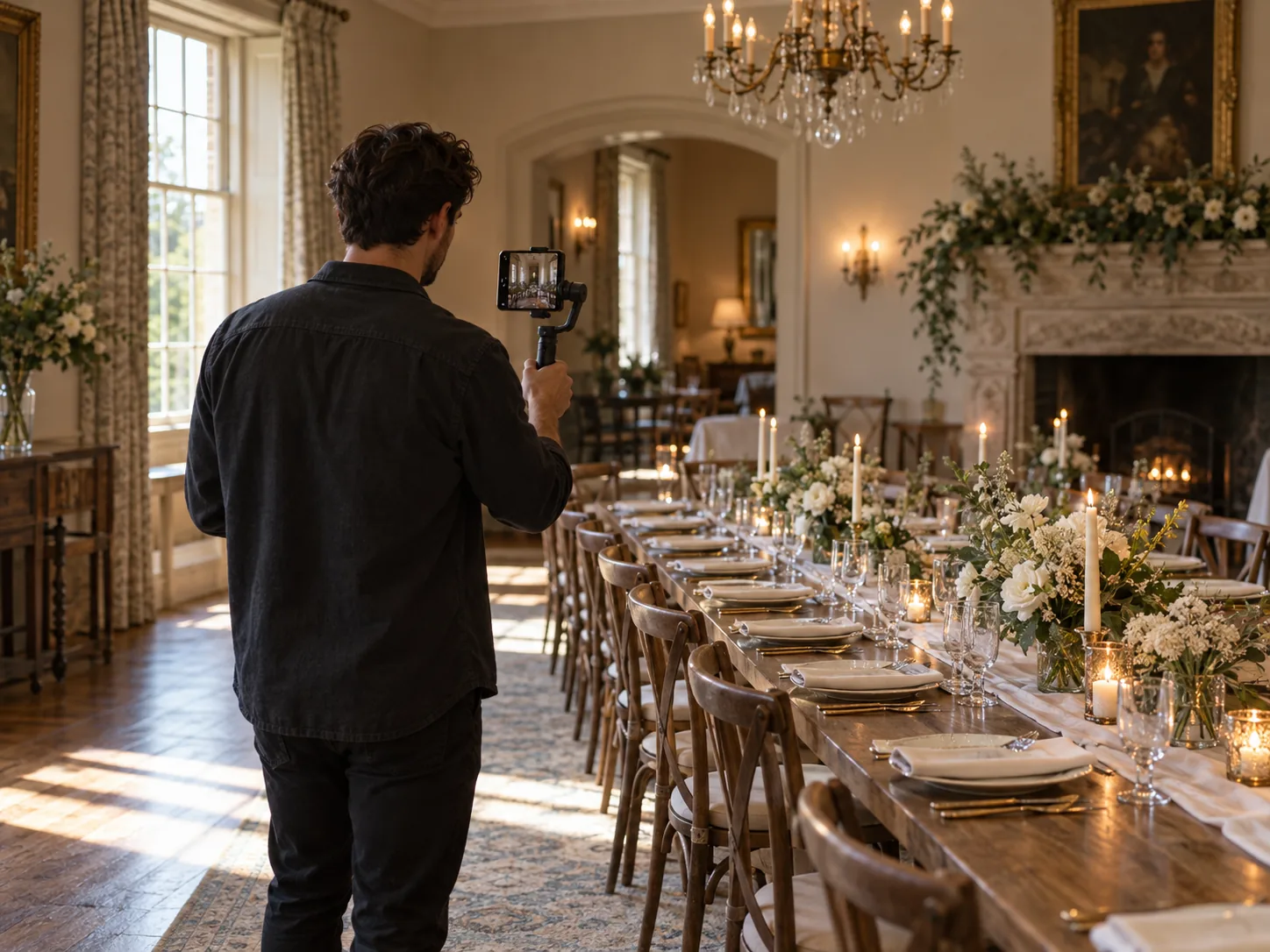
The same visit can produce several useful edits, but each one should answer a different question. Keep the opening specific and let the footage do some of the explaining.
01
Viewer question
How does a visit move between spaces?
Opening idea
"Here is the route from the entrance to the main room."
02
Viewer question
What should someone notice on arrival?
Opening idea
"A first look at the space before it gets busy."
03
Viewer question
What should a visitor check before booking?
Opening idea
"Here is one detail worth checking before you book."
These are starting points, not lines to copy word for word. The business should verify each factual claim. The creator should deliver it in a voice that sounds like them.
This is a structure, not a fixed formula. Use the timing as a starting point, then cut to the footage and the platform brief.
Keep captions short enough to read while the image changes. If the voiceover repeats what the viewer can already see, use that time for a practical detail instead.
Busy locations can be visually distracting. Before recording, clean the lens, check exposure and take a moment to remove anything distracting from the edge of the frame. Film the same important view wide and close. That gives the editor a choice without requiring a second visit.
Record natural sound where it helps: footsteps on a path, a door opening or room ambience before visitors arrive. Capture it separately if the location is busy. Music can set a pace, but it should not be the only thing holding the video together.
Use a vertical frame if the brief is for Reels, TikTok or Shorts, but keep the subject away from the interface areas where captions and buttons appear. If the business also needs a website version, agree on a second crop before filming. One vertical master does not always adapt cleanly to every placement.
For more on how different formats serve different viewer questions, see our guide to UGC video formats.
Get written permission to film on the property and confirm which areas are available. Ask whether the shoot can happen before customers arrive. If staff or visitors may appear, agree how the business will handle permission and where the footage may be used. The New Zealand Office of the Privacy Commissioner explains why organisations recording identifiable people need to think about purpose and notice in its guidance on recording people in public places.
Write down the commercial terms as well: number of edits, revisions, delivery date, usage channels, length of the licence, territory, paid advertising and whether raw footage is included. A business using a video on its own social channels is a different job from a creator posting it to a personal audience. The UGC rates guide explains how usage affects a creator's quote.
If the creator will publish a paid or incentivised post on their own account, agree on clear disclosure. The New Zealand Advertising Standards Authority says advertising should be recognisable as advertising; its consumer guidance on influencer advertising explains common examples.
Do not assume that permission to film also grants every usage right. Keep the deliverables and licence separate in the agreement so both sides know what the fee covers.
REVIEW CHECKLIST
Ask someone unfamiliar with the property to watch once. If they cannot explain what the video helped them understand, revise the opening or remove footage that does not support the main question.
Audience: first-time visitors deciding whether this place suits their plans.
Question: what will the visit involve, from arrival to the main experience?
Must show: the entrance, one key area, a useful transition and a detail visitors often ask about.
Must confirm: opening details, access, current inclusions and any statement about availability.
Deliver: one vertical walkthrough, one shorter focused edit and clean footage without text overlays.
Usage: agree channels, licence term, paid-ad rights, revisions and delivery date before the shoot.
Change the audience and question for each project. A hotel walkthrough should not use the same brief as a restaurant feature, even if both videos are intended for social media.
COMMON QUESTIONS
Not for a production-only assignment. The business is paying for the agreed video assets, not necessarily access to the creator's audience. If the creator must also publish the video, negotiate that distribution separately.
There is no fixed number. Start with the brief and the footage you can capture well. A walkthrough and a focused detail edit may be more useful than several versions that repeat the same point.
Only if the agreed licence covers paid use. Put the platform, duration, territory and any creator-handle access in writing before the campaign starts.
A strong location video gives viewers something concrete to picture and something useful to check. Plan around that, and the shots have a reason to be there.