01
Laptop drive
Good for
Fast editing on the working copy.
Weak point
Travels with you, so it is exposed to drops, spills and theft.
CREATOR GUIDE / WORKFLOW AND GEAR / OCTOBER 2026
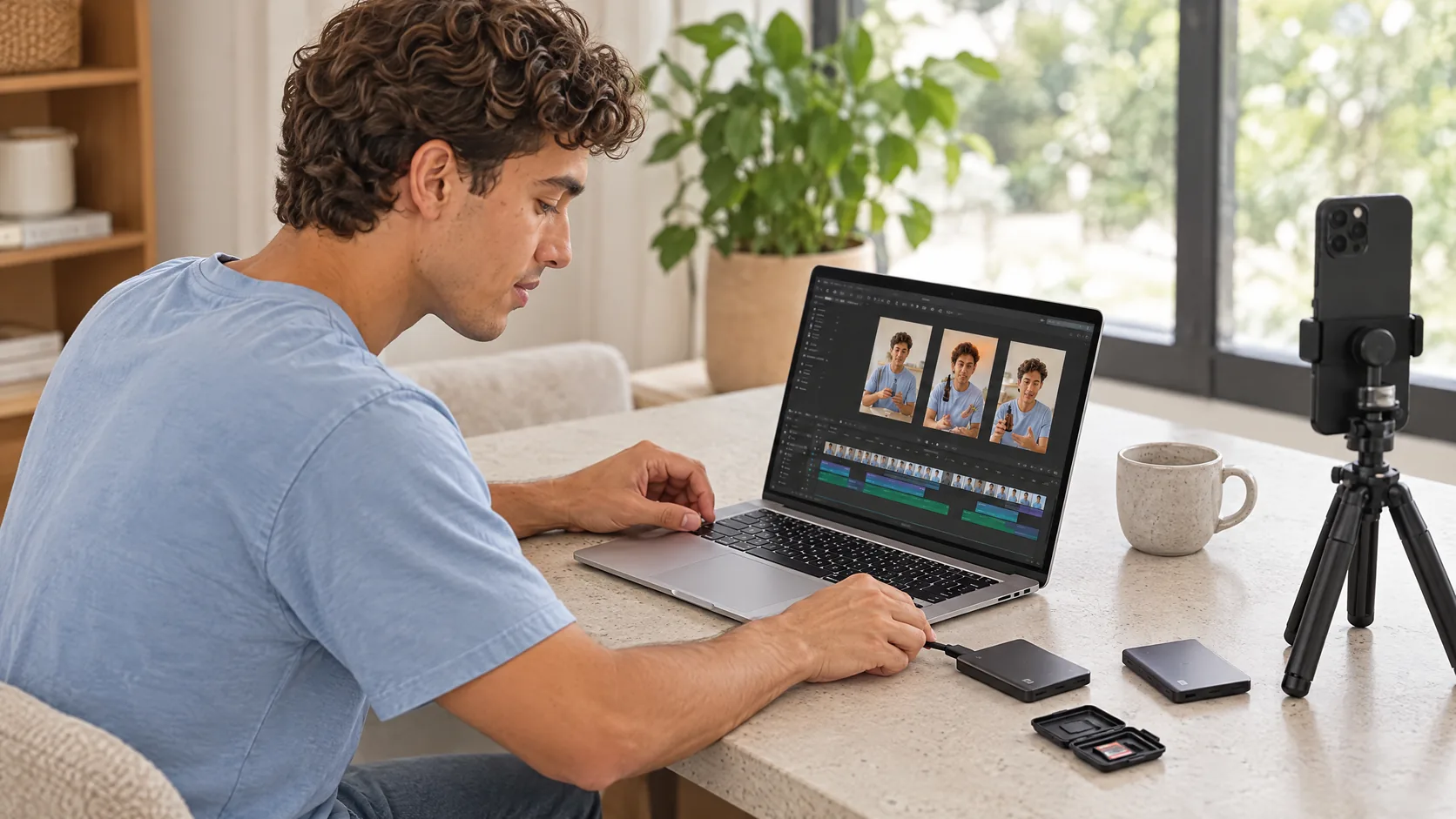
A UGC creator's business sits on two devices: the phone that records and the laptop that edits. If either fails the day before a deadline, the brief, the fee and the client relationship are all at risk. A backup routine and a little maintenance cost far less than a reshoot.
This guide covers a routine you can run after every shoot, how to keep an editing laptop usable for longer, what to do in the first minutes after something goes wrong and what to sort out before handing a machine to a repair workshop.
START WITH ONE RULE
Footage that exists in one place does not really exist yet. Keep the working copy on the laptop, a second on an external drive and a third in the cloud or at another address. One accident, theft or spilled drink should never be able to reach all three.
For a brand, the files are a deliverable. For a creator, they are also evidence: of what was filmed, what was approved and what the licence covers. That is why raw footage deserves the same care as the final edit. If your agreement does not say how long you keep raw files, raise it before the shoot; the UGC rates guide explains how raw footage and usage affect a quote.
Export the final edits into the same project folder and back them up the same way. If the client asks for a different crop in three months, you will want the project file, not just the MP4.
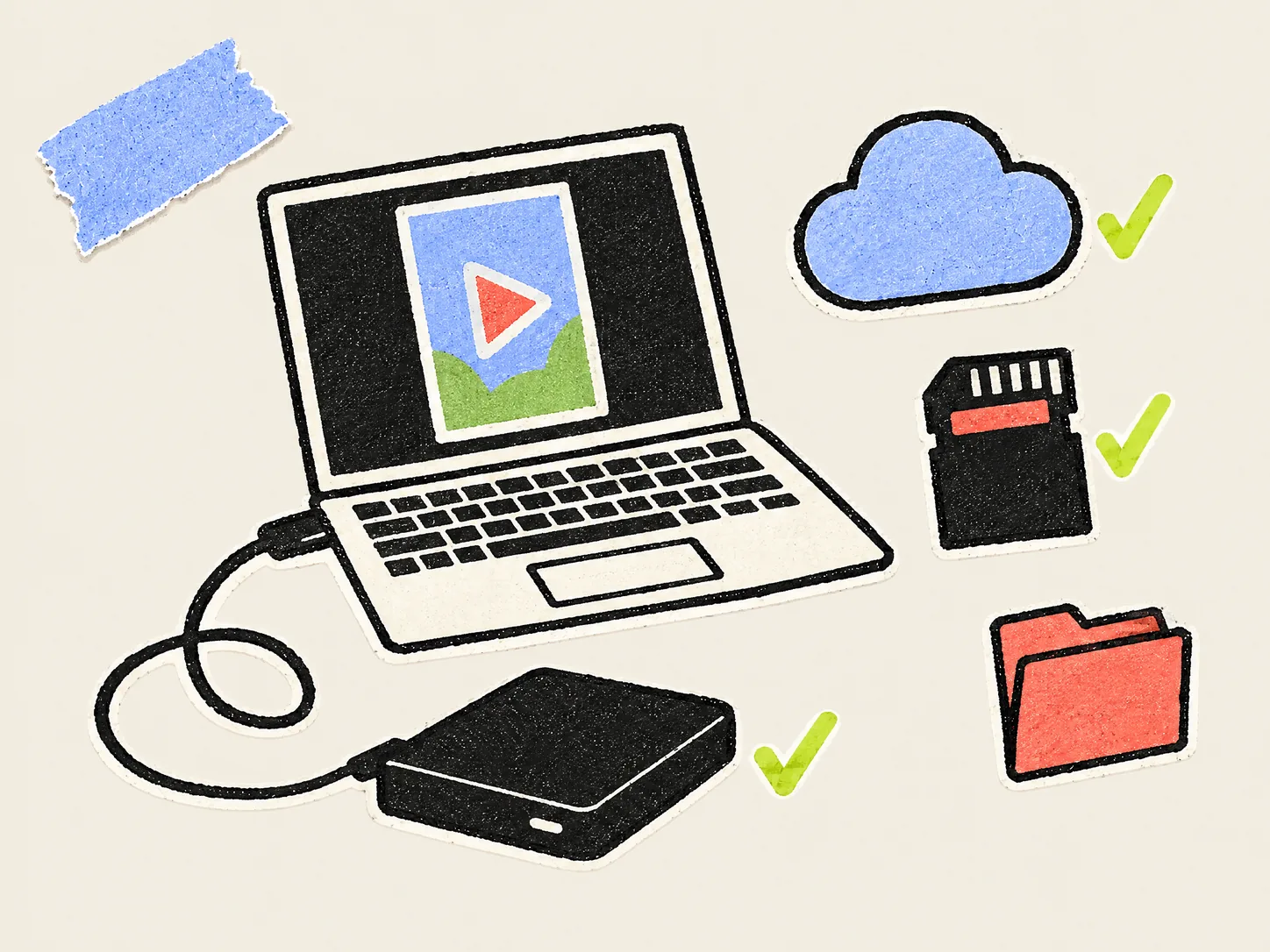
WHERE THE COPIES LIVE
01
Good for
Fast editing on the working copy.
Weak point
Travels with you, so it is exposed to drops, spills and theft.
02
Good for
A complete second copy you control.
Weak point
Often kept in the same bag as the laptop, which defeats the purpose.
03
Good for
Surviving anything that happens at your desk.
Weak point
Slow for large files, and a sync folder mirrors deletions too.
A sync folder is not a backup by itself: delete a file on the laptop and it disappears from the cloud as well. Check that your service keeps deleted files or earlier versions, and for how long.
Video editing pushes a laptop harder than almost anything else a creator does. Most slowdowns come from a few ordinary causes rather than from the machine being too old.
If you are still choosing equipment, the guide to becoming a UGC creator covers what a beginner actually needs.
Most data is lost after the fault, not during it. The instinct is to keep trying: restart again, reconnect the drive, download a repair tool. Each attempt can make things worse.
Then tell the client early. A message that says what happened, what you still have and a realistic new date is easier to forgive than silence followed by a missed deadline.
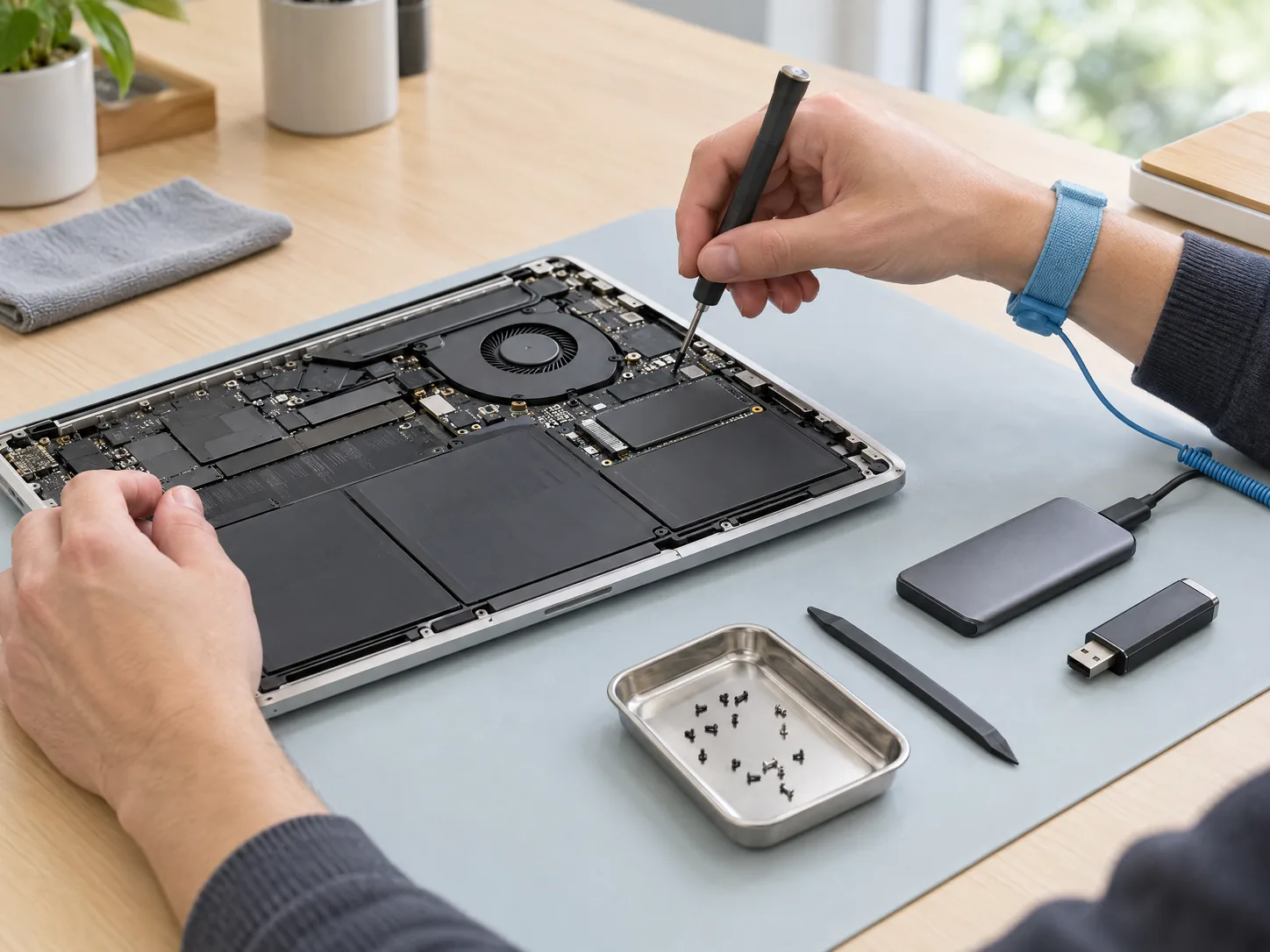
Choose a workshop the way a brand should choose a creator: by what it puts in writing. Look for one that handles both the repair and the data, so nobody reinstalls the system before your projects are safe. The same goes for a desktop: plenty of creators shoot on a phone, travel with a laptop and do the heavy editing on an iMac at home. In Auckland, for example, Advanced Computers offers iMac repairs and MacBook repairs alongside data recovery, with workshops in Rosedale and Penrose. Wherever you are based, the same questions apply:
Before you hand the laptop over, sign out of accounts you do not need for the repair and note which folders hold unreleased client work. If the brief included a non-disclosure clause, check whether you need the client's agreement before a third party handles the device.
MONTHLY CHECKLIST
COMMON QUESTIONS
A common rule is three copies on two different kinds of storage, with one copy kept somewhere else. For a creator that can be the laptop, an external drive and a cloud folder.
After the files have been copied to two other places and you have opened a few of them from each copy to confirm they play. Until then the phone is your only original.
As long as the agreement says. If it says nothing, agree a period with the client in writing. Many disputes about reshoots and extra edits come down to whether the raw files still exist.
Stop using it. Do not keep reconnecting it or run repair utilities on it, because further use can make recovery harder. Take it to a data recovery service and ask for a quote before any work starts.
Nobody hires a creator for their file management, but everybody notices when it fails. Copy first, keep three, and when something breaks, stop and ask for help before trying again. For the terms that decide what you must keep and for how long, see UGC for brands.