FIELD GUIDE 04
UGC Examples: Video Formats Brands Can Brief and Test
UGC videos work best when the format matches the viewer’s question. A product demo proves use. An unboxing creates discovery. A tutorial removes friction. A creative library needs those different jobs, not just different outfits and backgrounds.
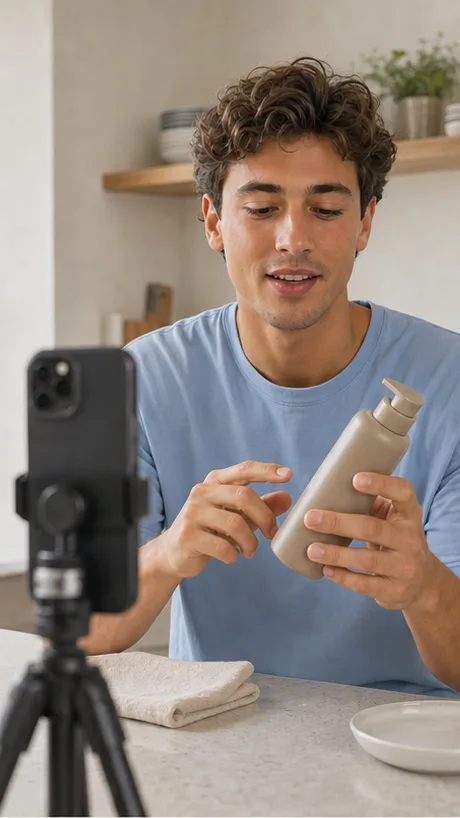


Product demonstration
A demo makes the product visible in use. It is especially useful when the product has a tactile benefit, a workflow, an application step, a before-and-after process, or a feature that is easier to understand visually than through copy.
Problem and solution
This format begins with a recognizable pain point, then demonstrates how the product changes the situation. It works best when the problem can be shown quickly and the solution does not require exaggerated claims.
Tutorial and how-to
Tutorials create utility first. They can show setup, a recipe, a routine, a styling method, a software workflow, or an unexpected use case. The creator’s job is to remove friction and make the product feel understandable.
Testimonial and POV
A testimonial works when the creator can speak credibly about their experience. A POV or scenario-led concept can create a similar human frame without pretending that a scripted statement is spontaneous. Keep claims truthful and appropriately disclosed.
Unboxing and first-use videos
An unboxing gives the viewer a discovery sequence: what arrives, how it is presented and what happens first. It works when the product has a satisfying reveal, setup or detail to show. It is weaker when the box becomes the whole idea and the viewer never learns what the product does.
How to choose the first format to test
Start with the question a potential customer is most likely to have. Choose a demo for "how does it work?", a tutorial for "can I use it?", a problem-and-solution concept for "why would I need it?", and a direct-to-camera explanation for "what does this feel like in practice?". Then change one meaningful element at a time in later variations.